Ultimate Laptop Gaming & Performance Tuning Setup
By Notebookchoicedck Hardware Testing Team
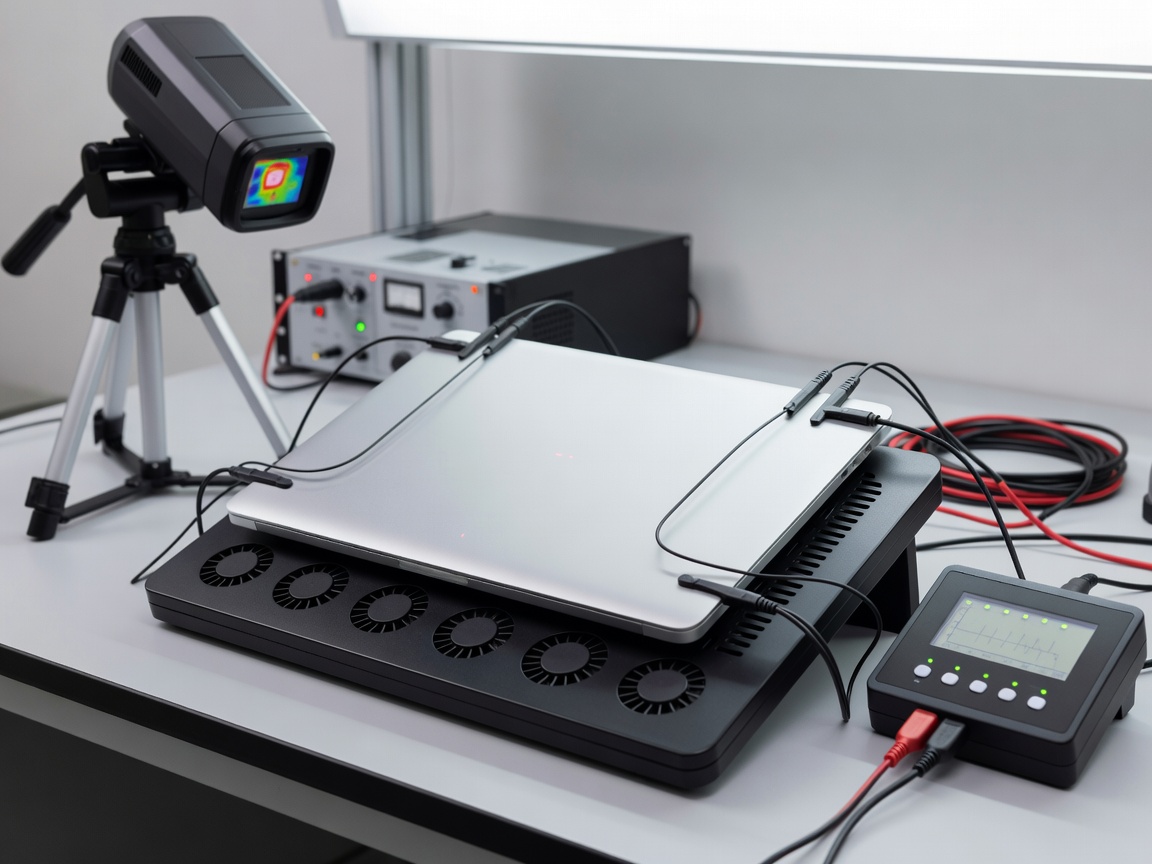
1. Managing Thermal Dissipation & Undervolting
High-end mobile processors like Intel Core i9-14900HX and AMD Ryzen 9 8945HS can pull up to 140W on short burst boost limits. Modern vapor chamber laptops utilize liquid metal thermal interface material (TIM) to keep junction temperatures under 95°C.
Applying custom CPU offset undervolting via ThrottleStop or BIOS parameters reduces operating temperatures by 5°C to 9°C without sacrificing sustained multi-core clock speeds.
2. Advanced Optimus & MUX Switch Calibration
Connecting the discrete NVIDIA GeForce RTX GPU directly to the internal display bypasses the integrated graphics controller, granting up to a 15% FPS boost in high frame rate competitive titles like Counter-Strike 2, Valorant, and Apex Legends.
3. External Display Bandwidth & Thunderbolt 4
When pairing gaming notebooks with external 240Hz or 360Hz monitors, verify whether USB-C DisplayPort alt-mode ports link directly to the discrete GPU or integrated iGPU to eliminate frame delivery stutter.